 ThingzSafe
Household belongings
Keep furniture, appliances, receipts and warranties together. Find the details when you need them.
Read the guideA little order. A lot less searching.
Keep track of anything you own or look after, from the kitchen freezer to a club storeroom. Unlimited items, free on your own device, with photos, receipts, locations and reminders.
Free and unlimited · No account needed · Android only for now · Apple iOS coming 2027
Already in a Household? Open the web portal
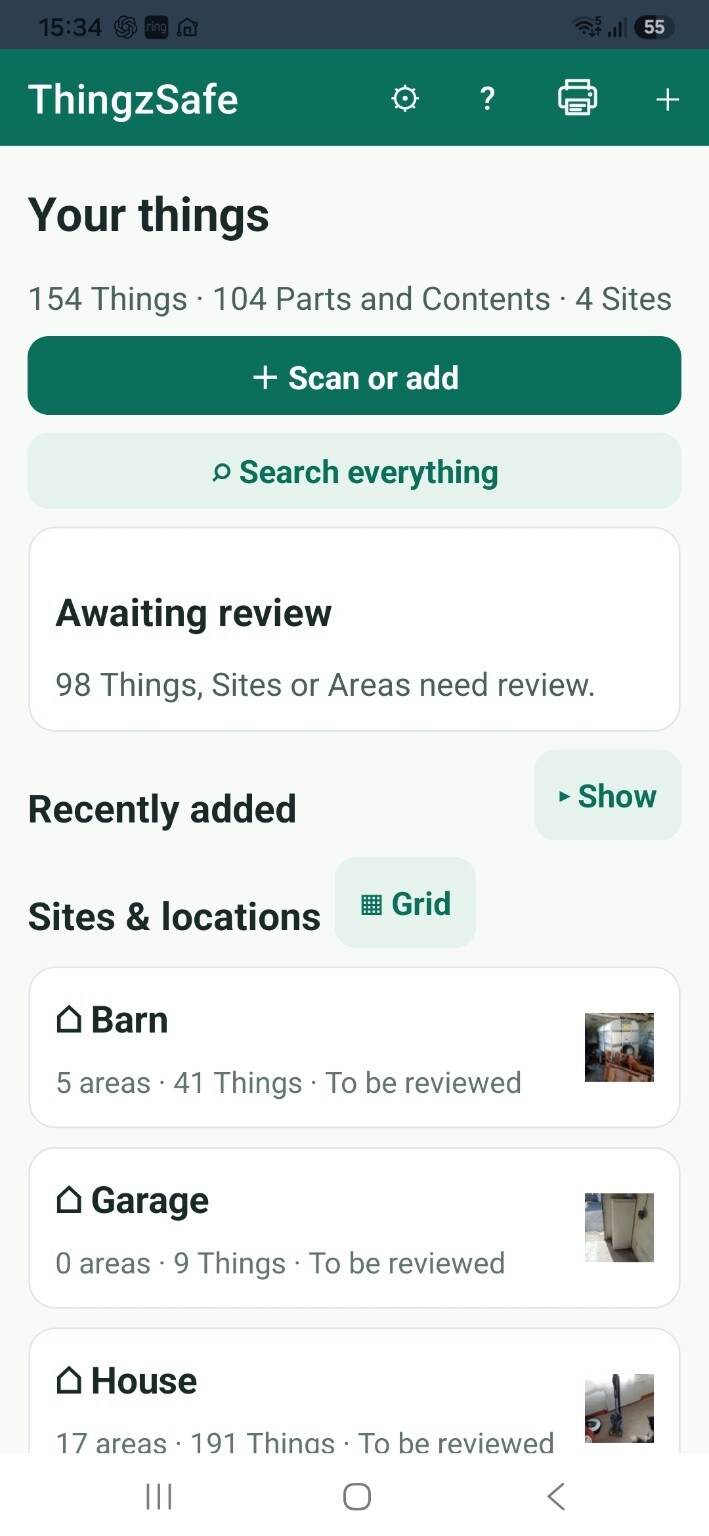
1. Add itTake a photo or scan a barcode
2. Say where it isAdd the price and receipt if you have them
3. Find it laterSearch, or print a report whenever you need it
A place for every ThingFind the item and the place you left it
More than a listPhotos, documents and a useful history
Your data stays on your phoneWorks offline and is encrypted. Share only when you choose
Make it useful to you
Keep furniture, appliances, receipts and warranties together. Find the details when you need them.
Read the guide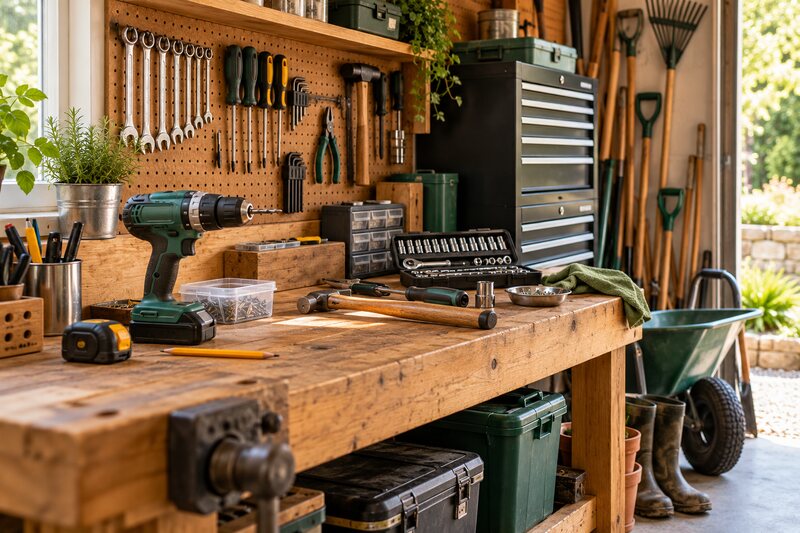
Know where your tools are, what spares you have and when equipment was serviced.
Read the guide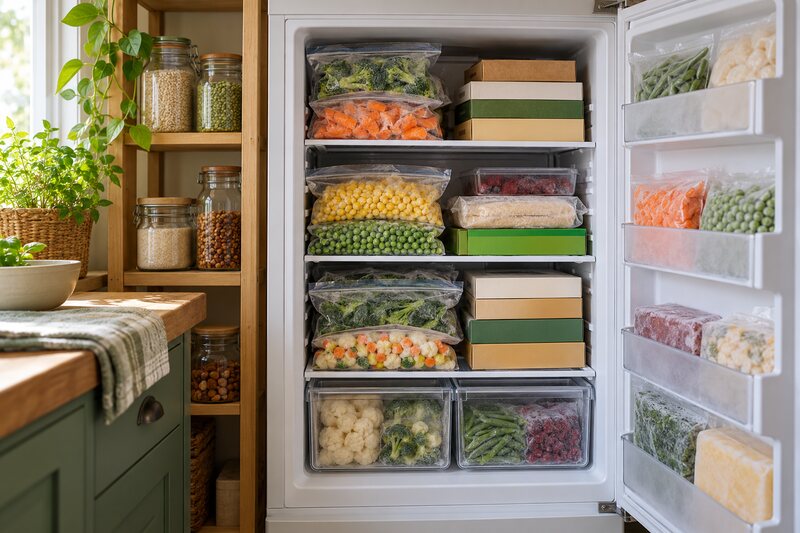
See what is inside, track quantities and check supplies before you shop.
Read the guide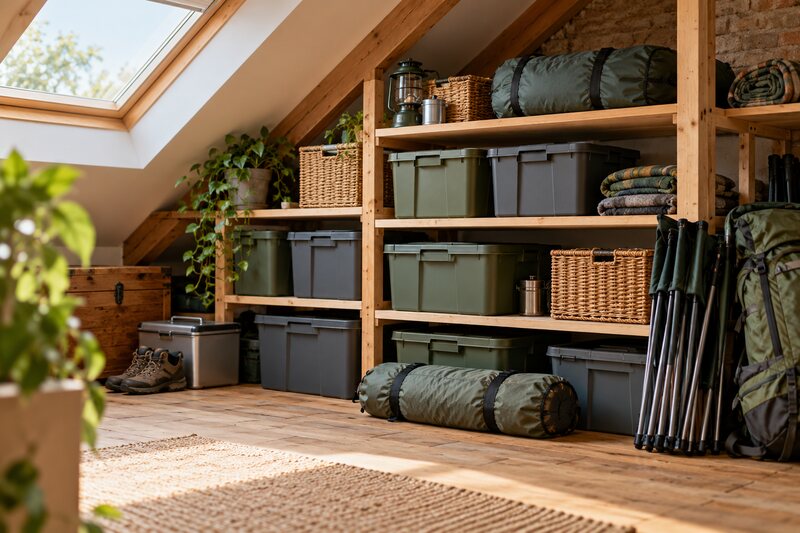
Find the right box in the loft, or check your camping equipment before a trip.
Read the guide
Keep track of farm tools, machinery, livestock records, feed supplies and equipment you lend or rent out.
Read the guide
Catalogue your collections with photos, purchase details, locations and notes.
Read the guideIt works just as well for schools, clubs and associations, and small businesses: anywhere you need to know what you have and where it is.
For insurance records, keep photos, receipts and recorded values together. Your insurer decides what evidence and valuations it accepts.
A place for everything
The house is a Site. The kitchen is an Area. The freezer is a Thing. The frozen peas are Contents, stored inside it. Parts are pieces that belong to a Thing, such as the freezer’s drawers. Add only the detail you need.
Read the guideA home for the details
Build an inventory that makes sense to you, whether it is a few rooms or a house, garage, garden and barn.
Capture a Thing, give it a location and keep its make, model, serial number and purchase details together.
Explore captureSee what is inside, track quantities and check supplies before you shop.
Explore ContentsSave receipts and service notes, set recurring reminders and review inventory values.
Explore records and remindersHousehold, on the bigger screen
With Household, use the same shared inventory on your computer or tablet. Browse your places, review captures and edit many records at once in a table.
How the web portal works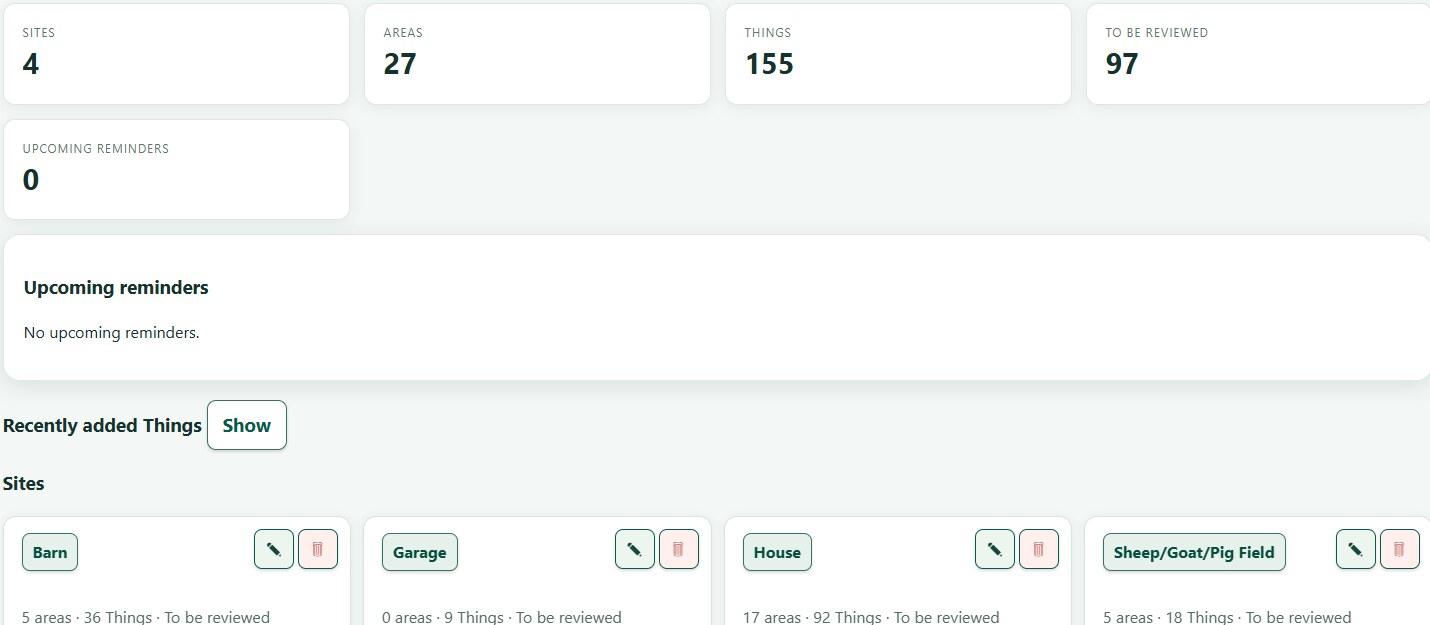
Pro
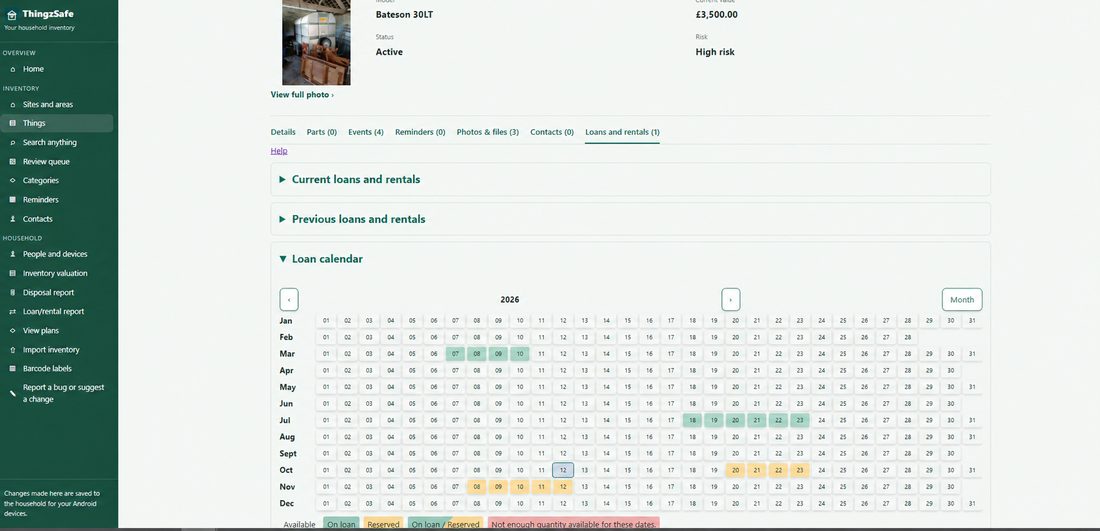
Already on Household? Pro is for people who lend or hire out equipment, sell things on, or keep details that are special to them.
Moving from another app?
Already keeping an inventory in a spreadsheet or another app? Import your records into the web portal instead of typing everything again. Free and Household users can start fresh and import later.
How importing worksYour choice
Unlimited items, free. Your inventory stays on your device, with no account and no subscription.
Free · Household from £39.99 / year (UK price including VAT; Google Play shows the price for your country at checkout).
A household is the group of people (two or more) who share one inventory on their own phones. A couple keeping a home inventory, or three people sharing the tools in a garage. Only one person pays: invited members join free.
See plans and pricesA helping hand
Search step-by-step help for Android and the web portal.
Start here
You do not need to catalogue everything at once.
Use a suggested Site and Area, or create your own, such as Home and Garage.
Give it a name and take a photo. Add a receipt or purchase details if useful.
Add Contents or Parts when you need them. Share with your household when you are ready.
Know it. Find it. Keep it.
Free and unlimited · No account needed · Android only for now · Apple iOS coming 2027
Already in a Household? Open the web portal